
History
The History page provides a comprehensive view of all transactions in your organisation and their associated metadata. You can quickly review and verify transaction activities at any given time to maintain a clear audit trail of all financial movements on the go.
Tap History to navigate to the transaction history page. You can perform the following actions:
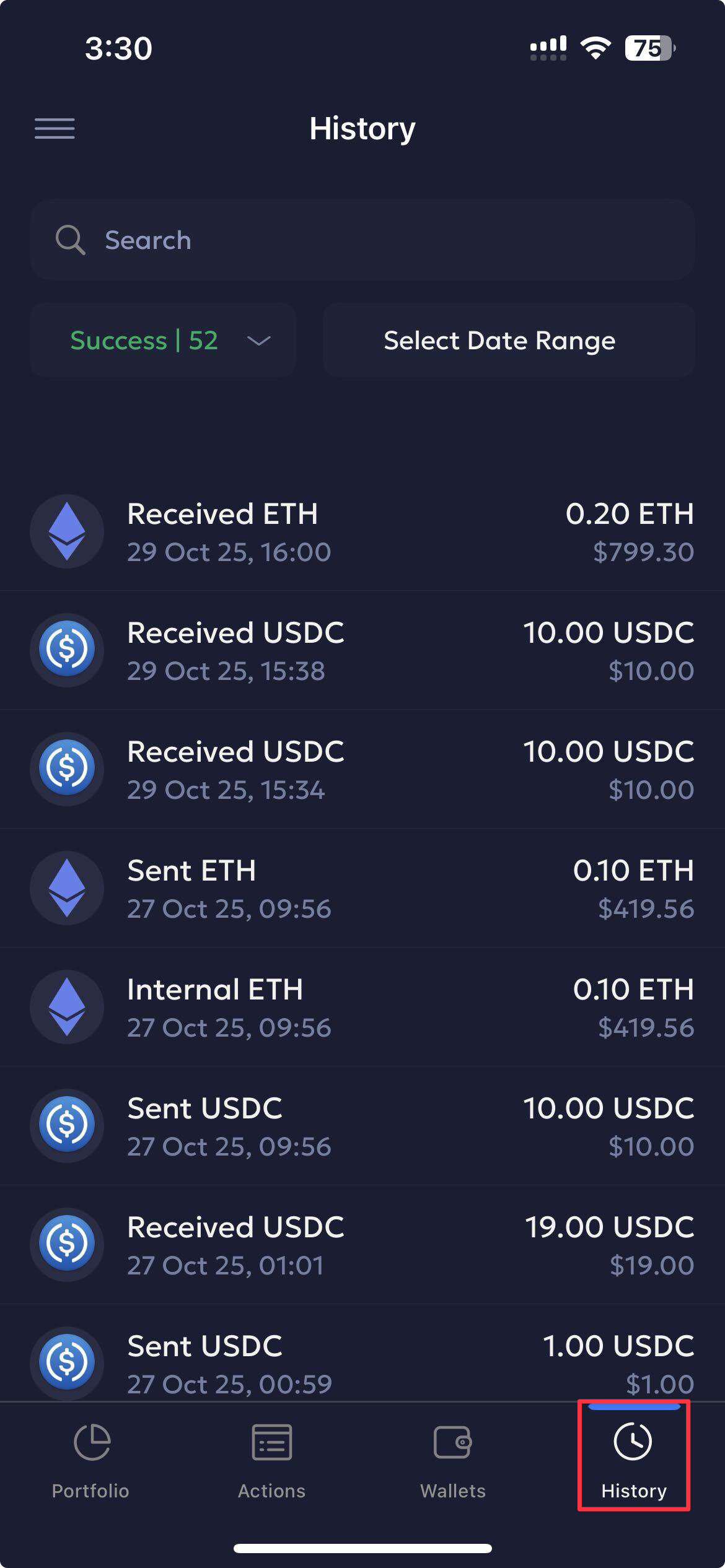
Search & Filter Transaction History
You can customise the transaction history view using the search and filter options.
-
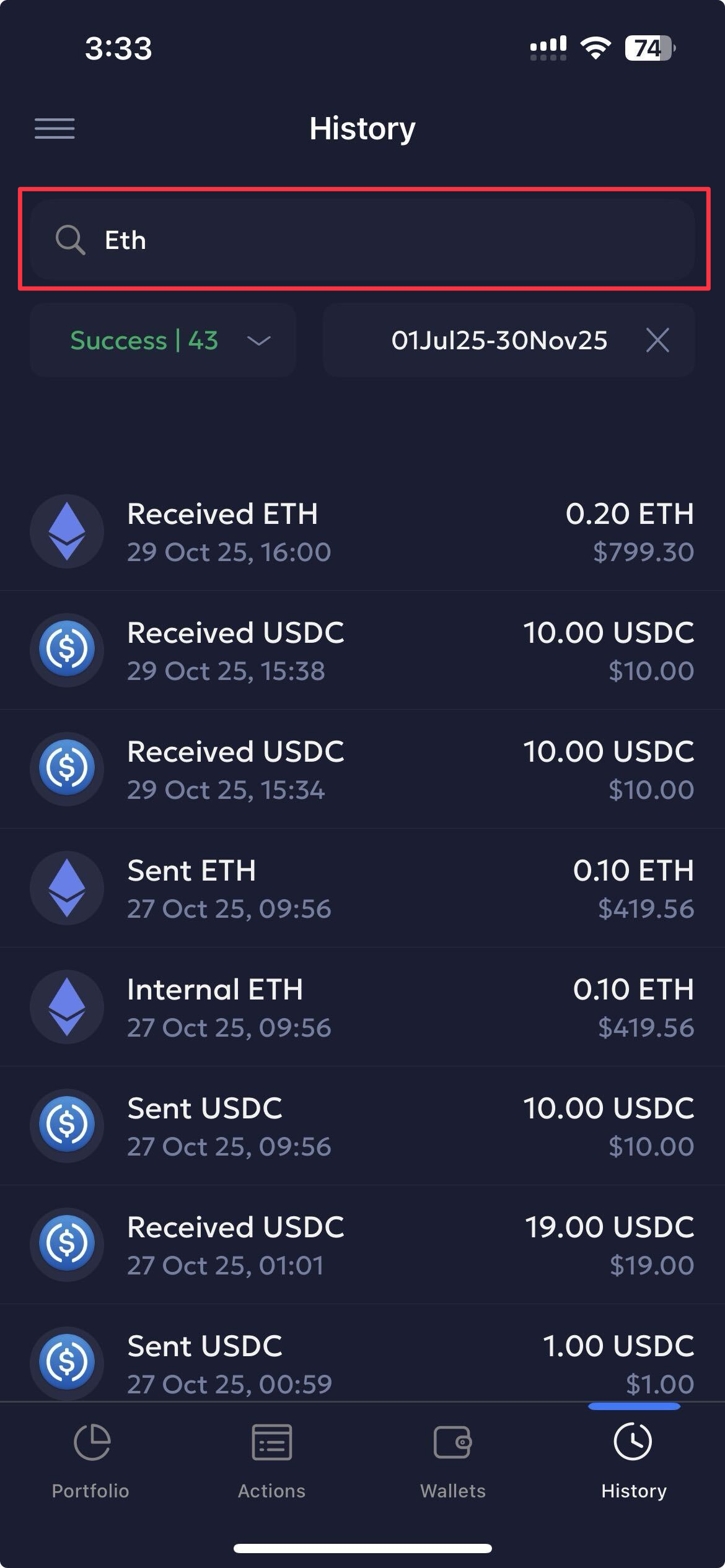
Search: Use the search bar at the top to search for required transactions. Example keywords: Receive, Send, Asset, etc.
-
Filter via:
-
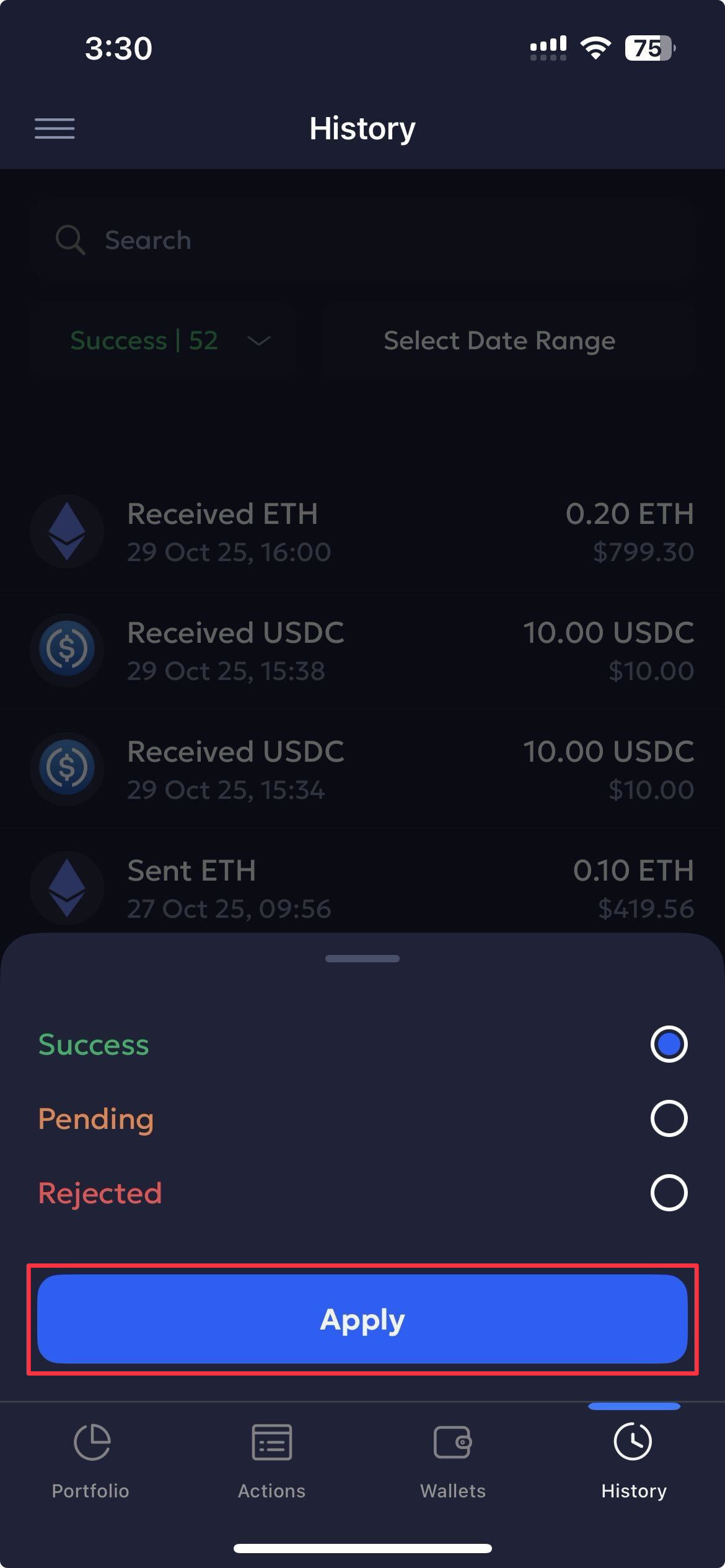
Transaction status: Filter transactions based on their statuses. Click either the Success, Pending, or Rejected statuses.
-
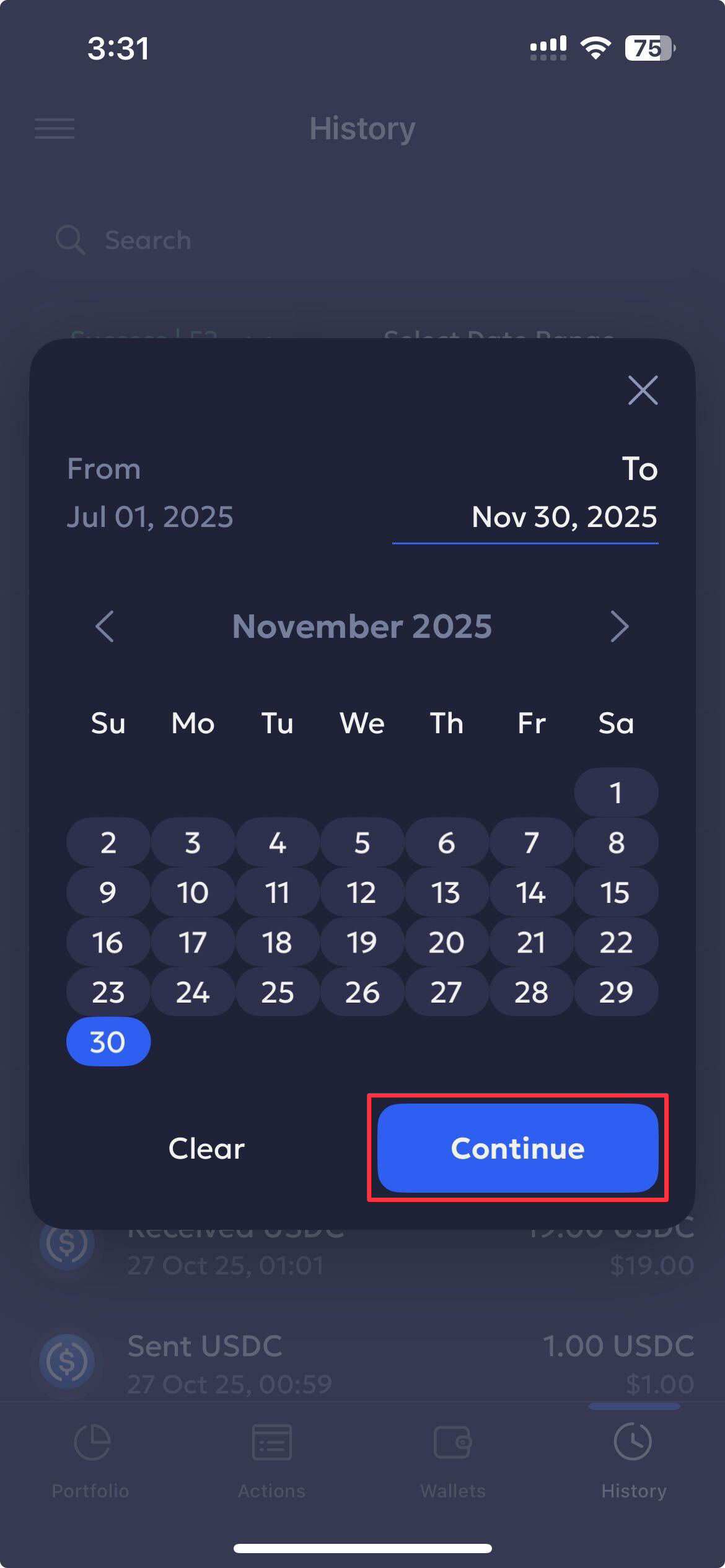
Date Range: Select a date range from the picker to filter transactions from within the specified period using the calendar.
-
View Transaction Details
Click on a respective transaction to view its details. Users can quickly review the transaction details based on the given metadata.
The following transaction metadata is provided:
| Field | Description | Values | Example |
|---|---|---|---|
| Transaction Hash | Unique ID of the blockchain transaction | Alphanumeric hash (chain specific) | 0x64a0d3b8f3f15419a405dd429db18a1bdbb93c13d72d75ce8a16d79fb66ea883 |
| Status | Current transaction state | Success, Pending, Rejected | Success |
| From | Sender name and wallet address | Wallet name + address | 0x97520680550DD6B08B24eC5549e5E17C01Ad22a5 |
| To | Receiver name and wallet address | Wallet name + address | 0x97520680550DD6B08B24eC5549e5E17C01Ad22a5 |
| Block | Block number in which the transaction was mined | Integer (chain-specific) | 9514960 |
| Time | When the transaction transpired | Date and time | 2025-08-14 21:45 UTC |
| SequenceID | UUID or system-generated unique identifier | UUID | 066445d2-e00f-6c43-4ba7-556339a80cf5 |
Refer to Transactions to view and manage transactions on the Vaults web app.
Updated 6 months ago