
Integrate with Elliptic
Setting Up Elliptic for Transaction Risk (AML) in Liminal Vaults
In order to manage transaction risk effectively within Liminal Vaults, integrating Elliptic is crucial. Elliptic offers robust tools for transaction monitoring and risk assessment, ensuring compliance and security for institutional transactions.
Enabling this setting will affect:
Compliance screening when whitelisting an address
Set Default apps for transaction risk policy in firewall
- Setup Elliptic
-
Create Elliptic Account
Contact Elliptic team and setup call with them and proceed with the account creation process.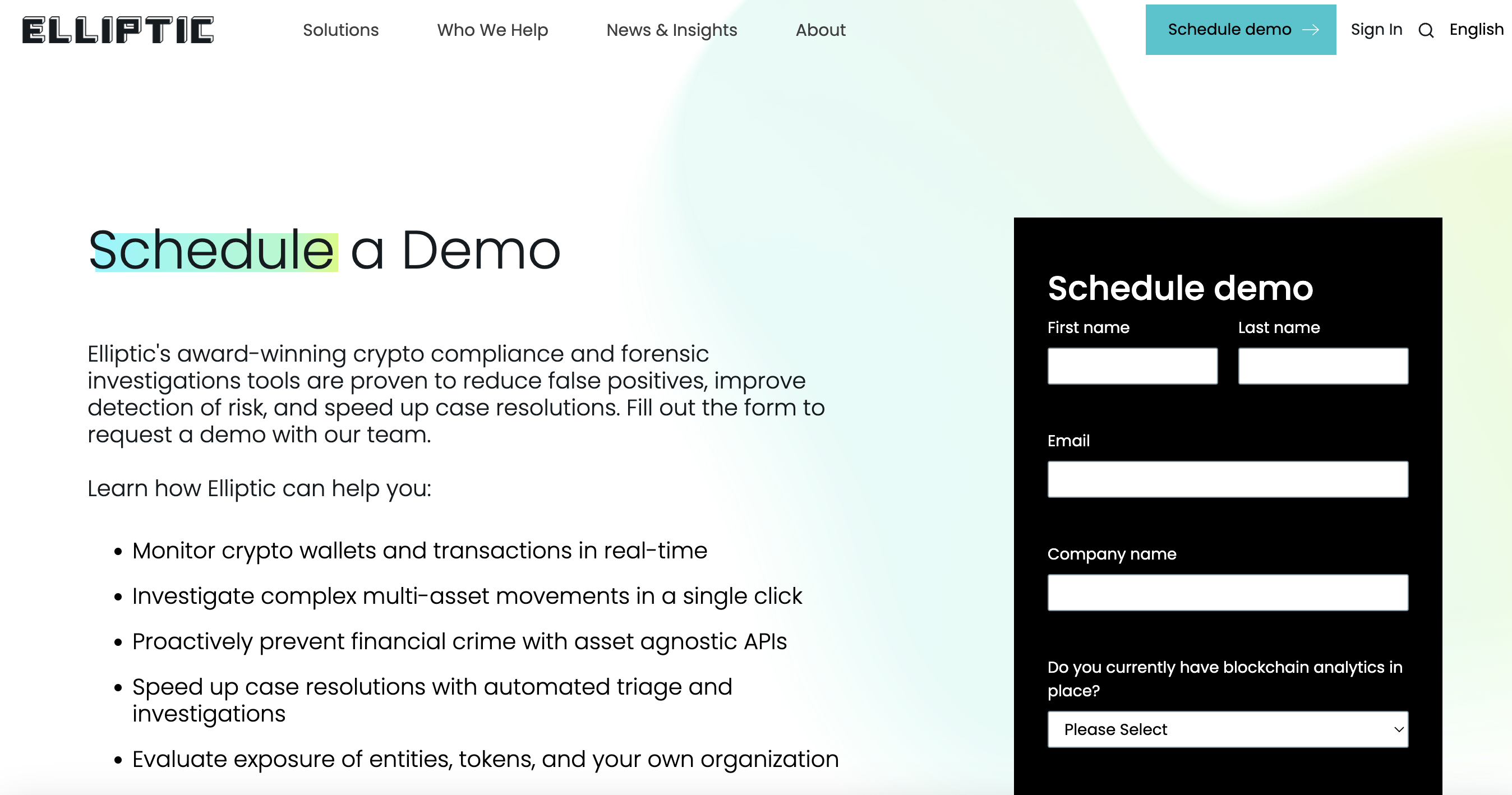
-
Generate API Key
After account creation, visit the Elliptic website https://login.elliptic.co/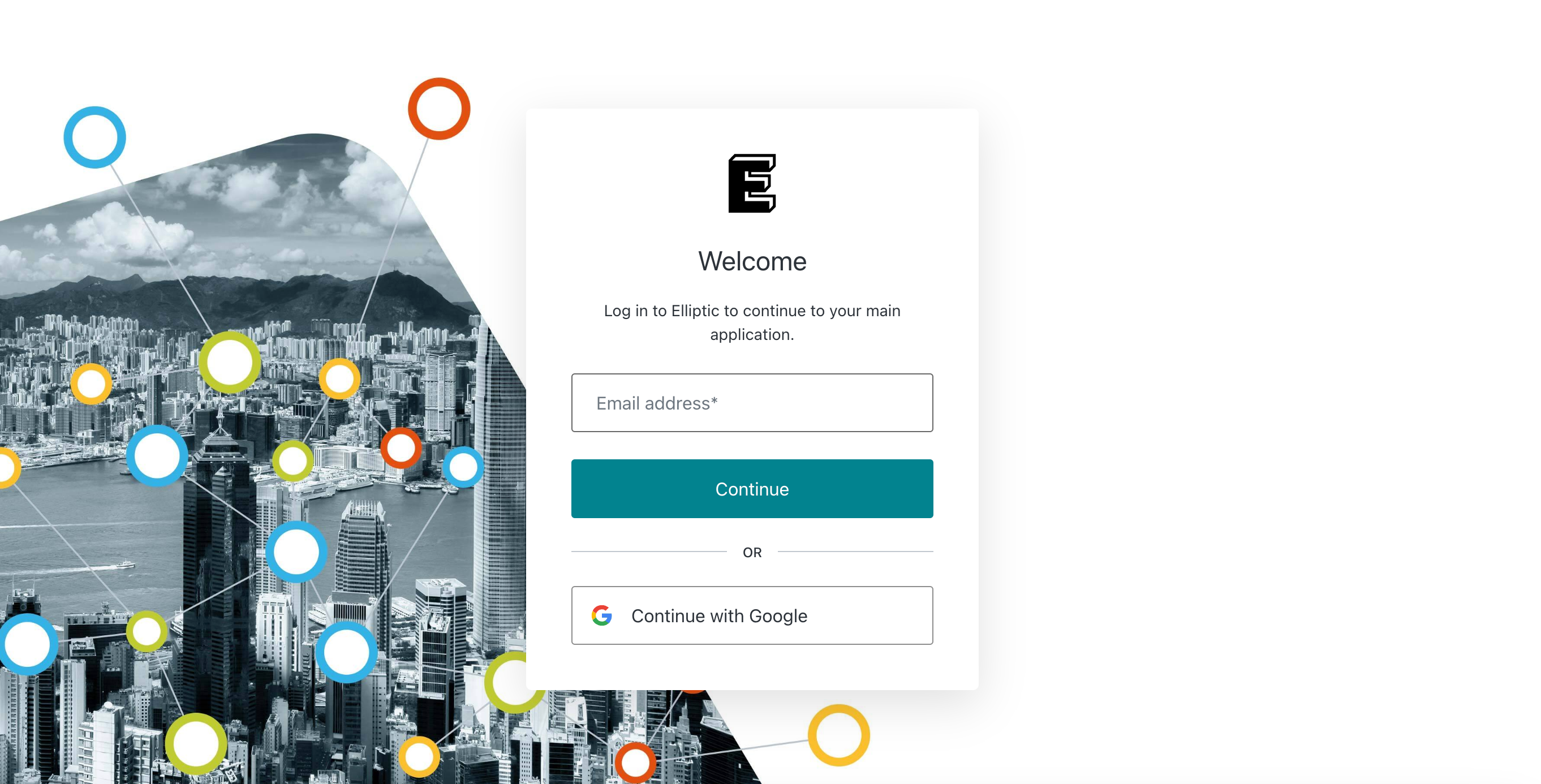
-
Navigate to your account settings or API section to generate an API key.
Ensure to securely store the API key, as it will be used to activate address and transaction API screening
- Enable Elliptic in Liminal Vaults
-
Login to Liminal Vaults
Access your Liminal Vaults dashboard using your credentials. -
Navigate to Apps
Within the dashboard, locate to Apps menu and find Elliptic.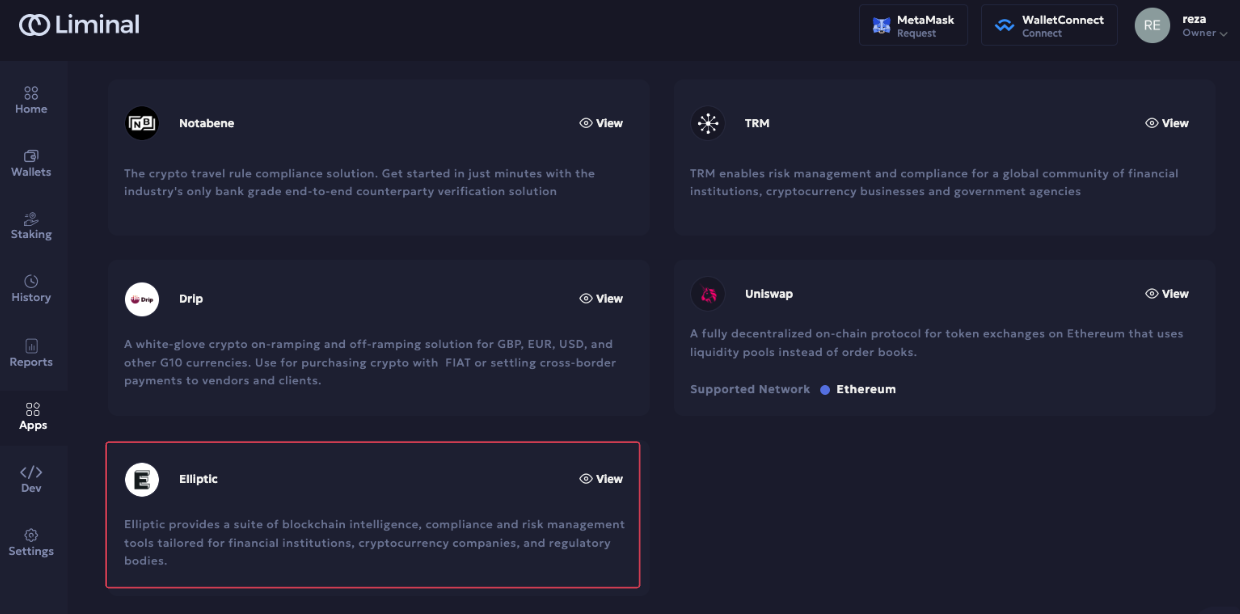
-
Integrate Elliptic
Select Elliptic from the available integrations and proceed.
Input the API KEY and Secret generated from your Elliptic account.
Click Save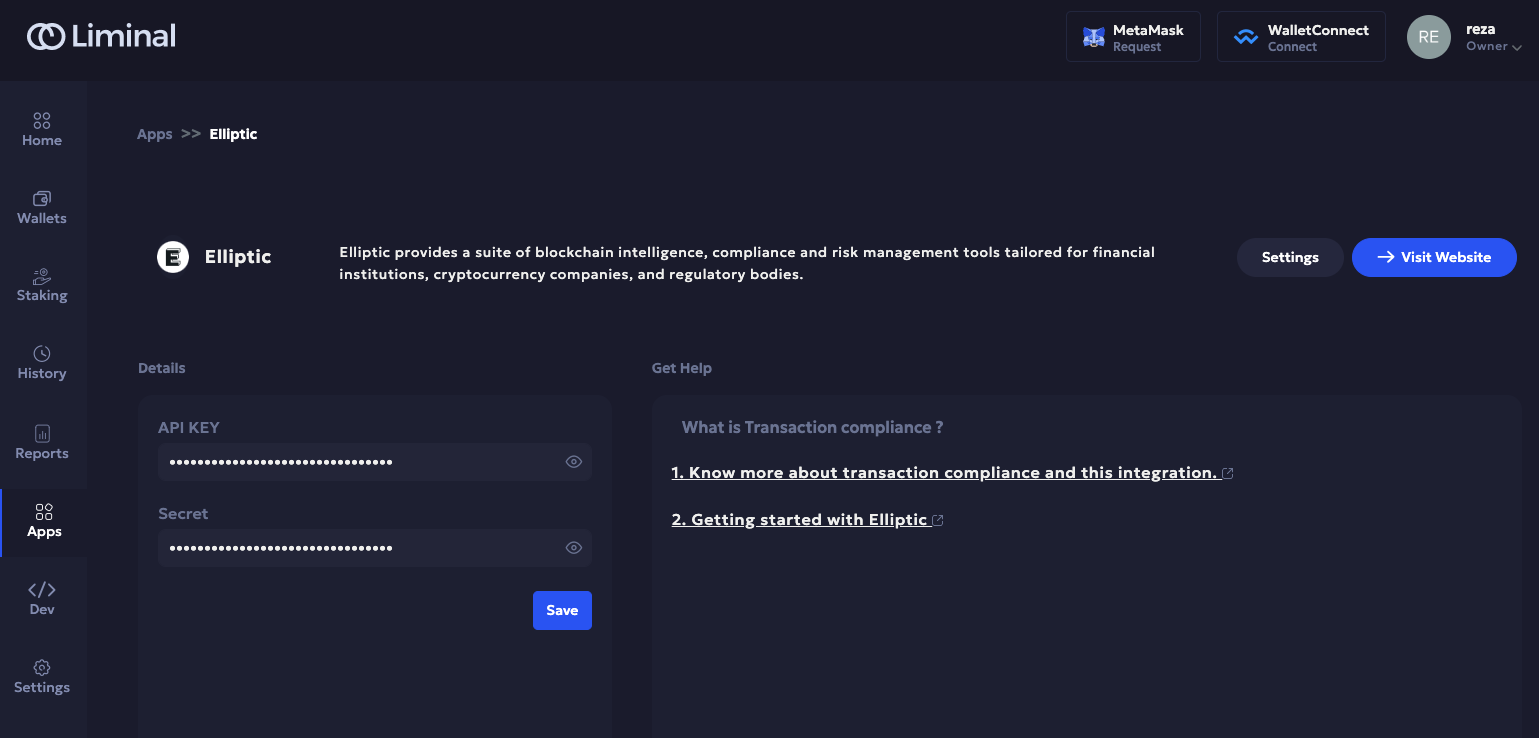
-
- Set default Transaction Risk app
-
Find Transaction Risk in Settings
Within the Liminal Vaults settings, go to compliance section and find Transaction Risk.
Click view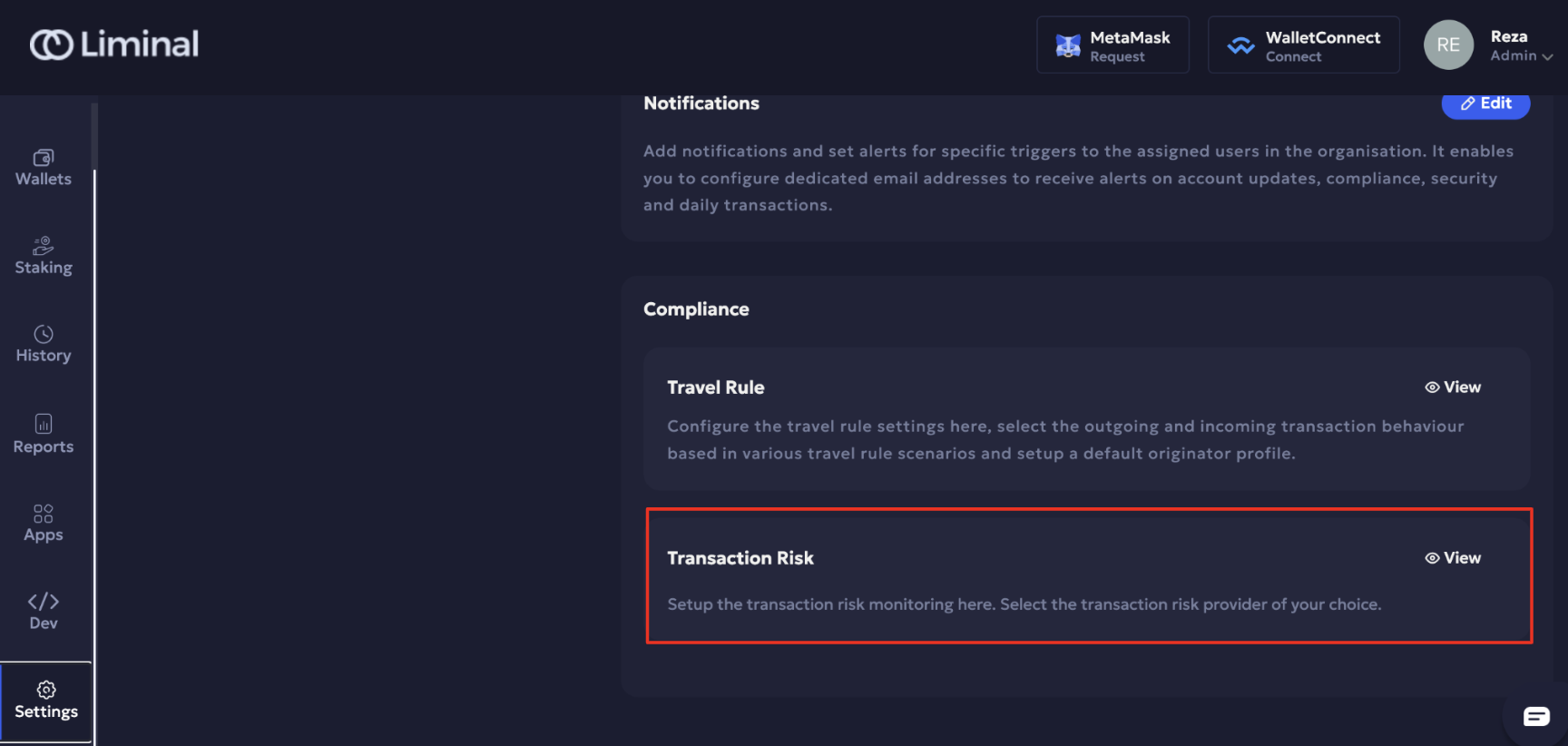
-
Set Elliptic as default Transaction Risk app
Enable Transaction Risk Check
Select Elliptic as provider
Click "Confirm"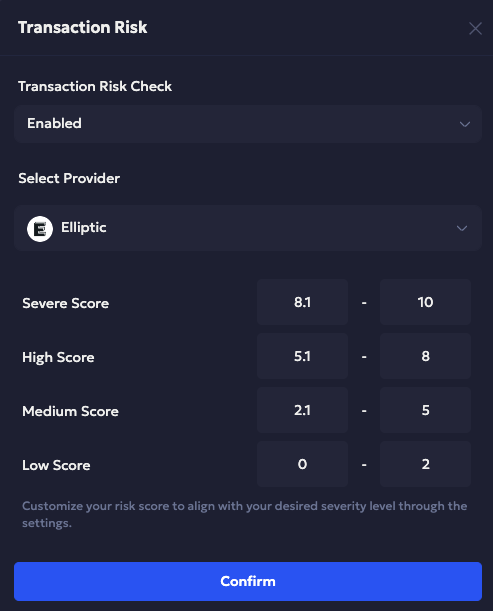
-
- Address Screening
-
Add new whitelisted address
After enabling Transaction Risk in Liminal Vaults, you will get risk score for any new whitelist address.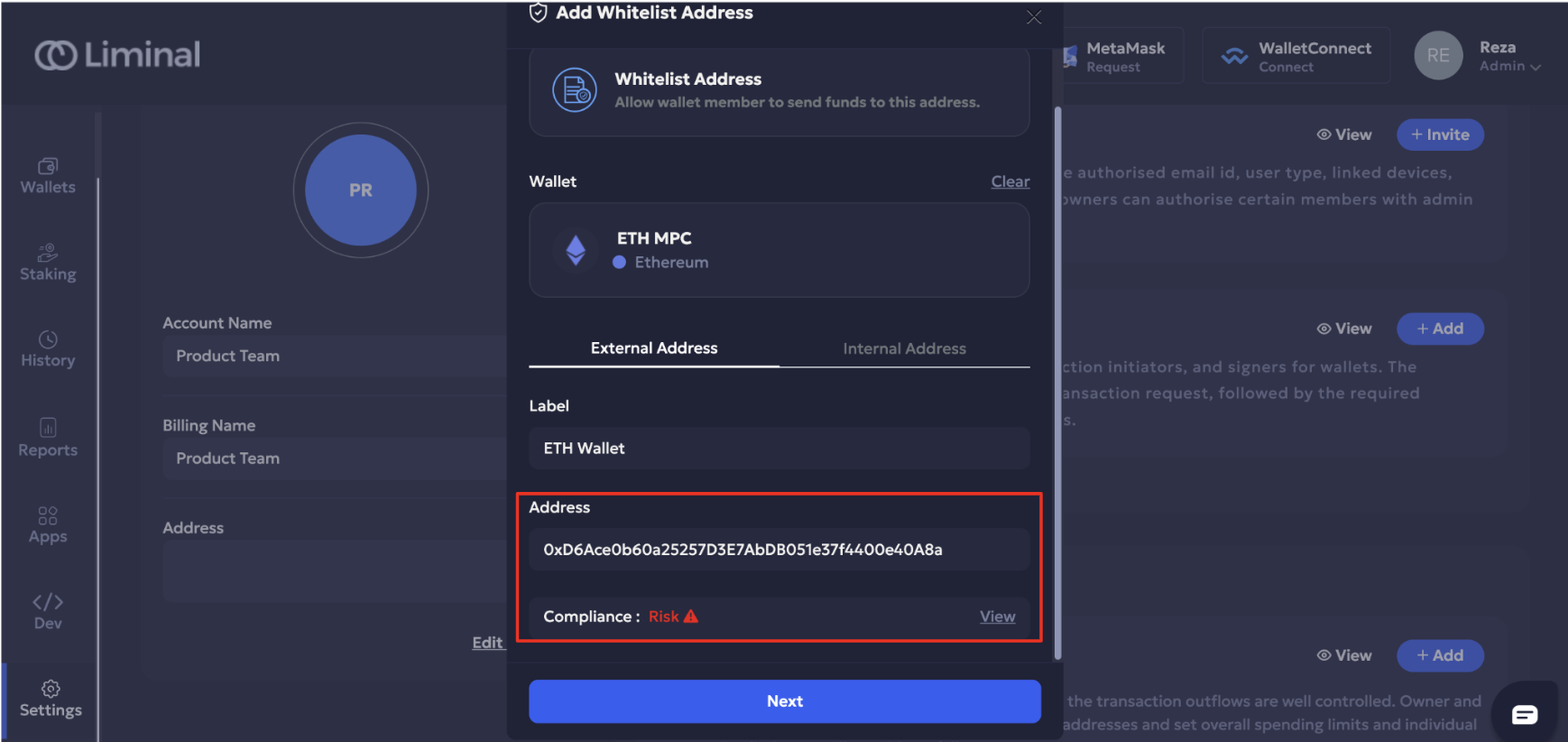
-
Risk Factor (Risk Score)
This risk factor serves solely to inform you about the associated risk with the address and does not prevent you from adding it. However, in Firewall, the outcome of the transaction—whether it is rejected, allowed, or requires approval—is determined by rules configured within each parameter set up in Transaction Risk Policy. For further information about Firewall, please refer to the provided link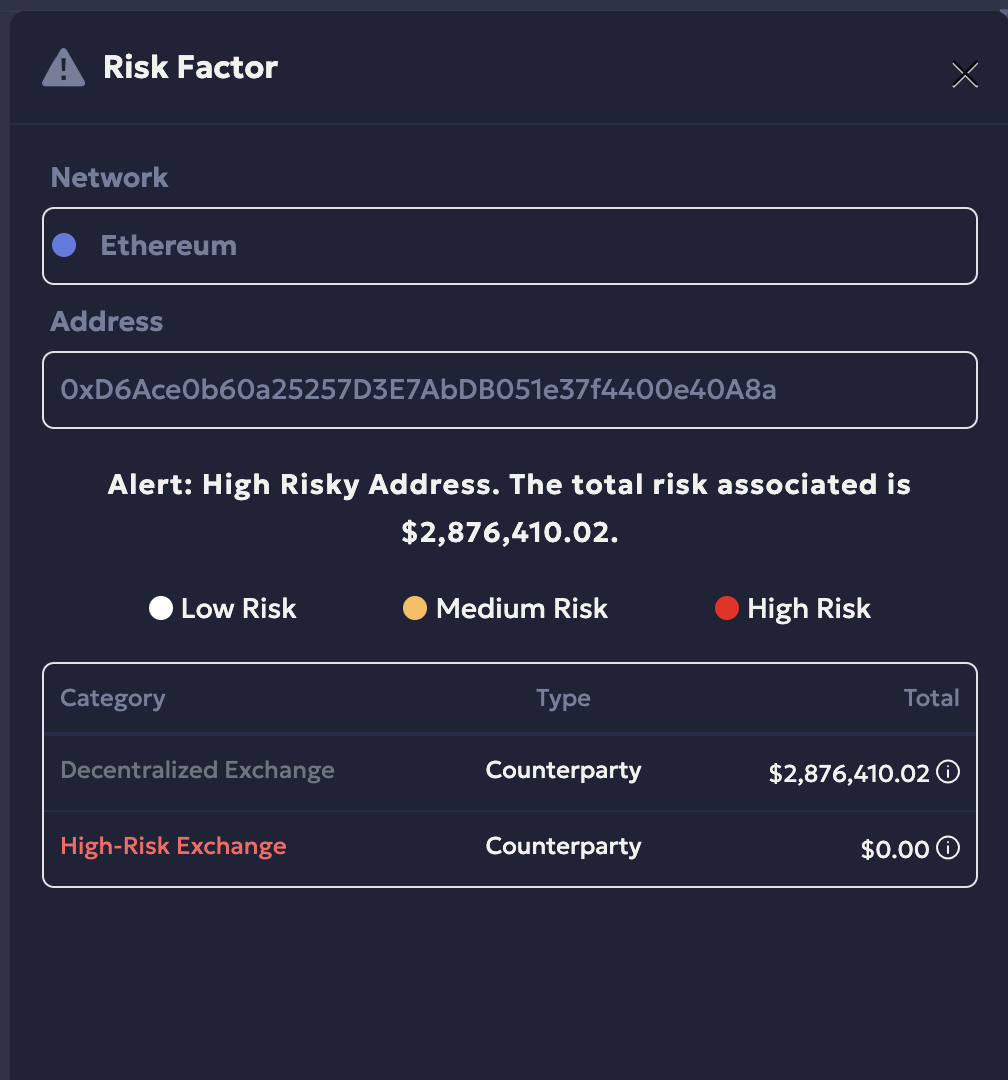
-
Updated about 14 hours ago