
Wallets
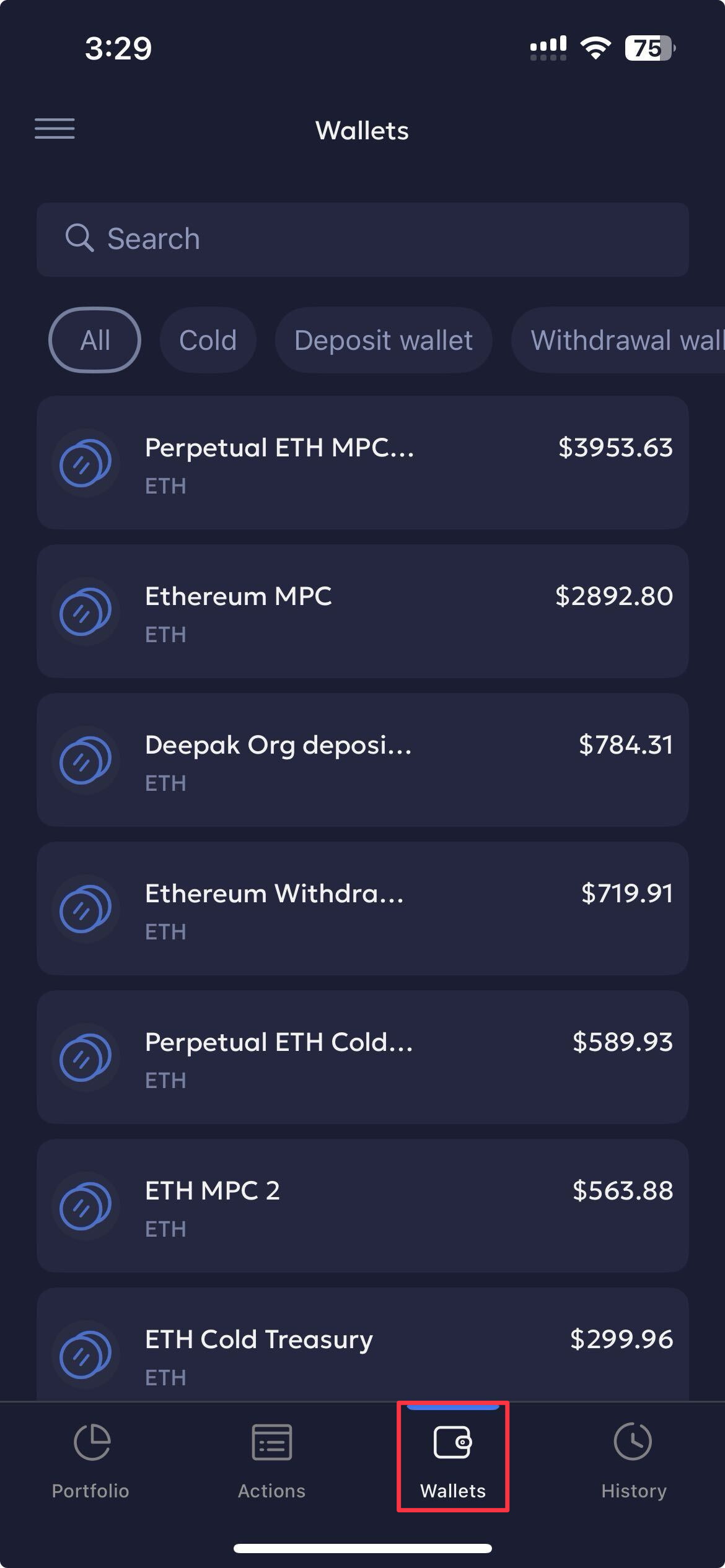
The Wallets page provides an overview of all wallets in your organisation. You can perform the following actions:
- Search: Use the search bar to search for a required wallet.
- Filter: Select wallets based on All, Cold, Deposit wallet and Withdrawal wallet filters.
- Wallet Details: Click on a respective wallet to navigate to the wallet details page. Here you can
- Send and Receive transactions.
- Assets: View the assets currently available for the wallet.
- Policy: Switch to this tab to view all the transaction policies configured for the wallet.
- Members: Switch to the Members tab to view the members configured for your wallet, including Initiators, Signers, and Viewers.
Updated 5 months ago
Did this page help you?